How do I set the default secured party and address for lien filing?
Last updated: September 26, 2026
Lien filing preferences live on your profile page in the console. They are org-level defaults: each new filing starts from them, and you can override any of them on an individual filing.
Editing your lien filing preferences requires admin-level permissions.
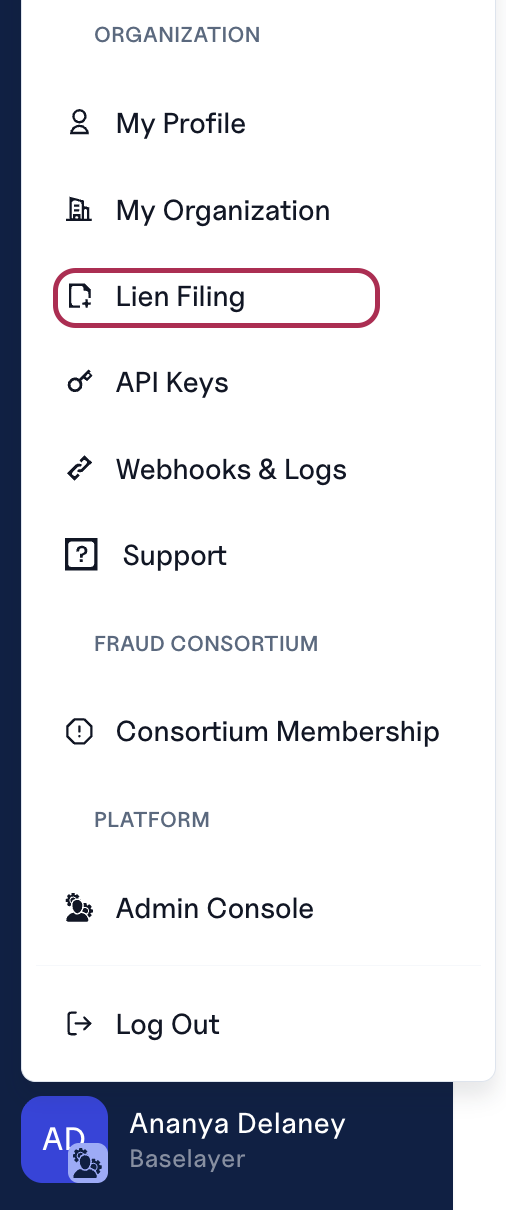
Click your user in the bottom-left of the dashboard and open Lien Filing.
Click Edit to set the defaults:

Lien Filing Contact Email: where our filing team sends questions about your filings.
Secured party name and address, and whether the first secured party should be masked on filings.
Collateral statements: saved statement templates (a title and the statement text) that you can select when building a filing instead of retyping them.
Saving the changes requires an admin-level permissions.